
$
$
Product successfully added to your shopping cart.
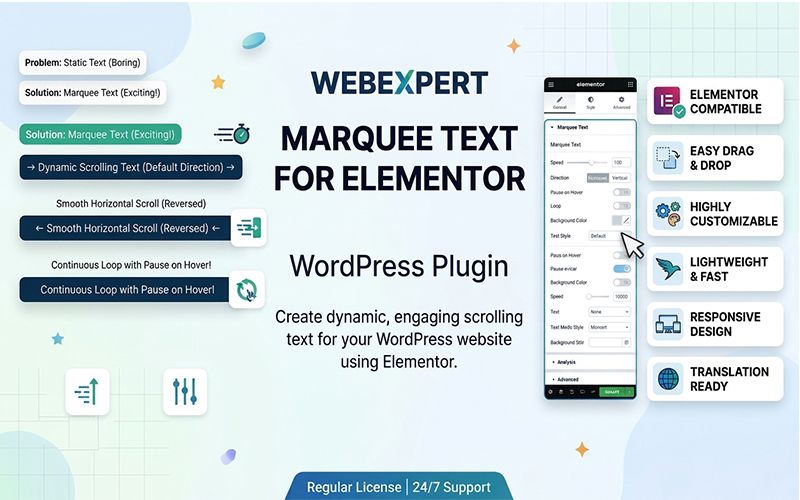
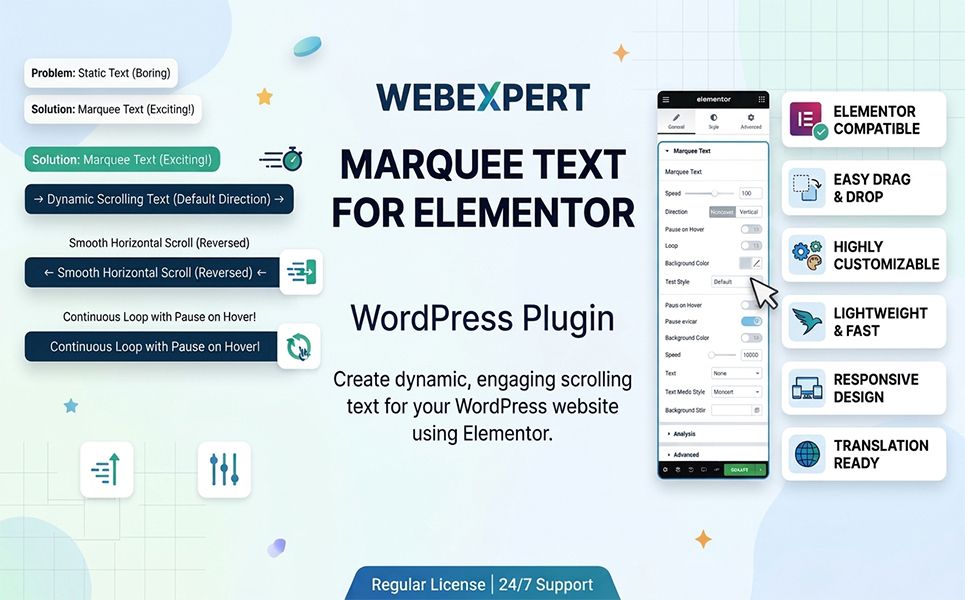
Webexpert – Marquee Text for Elementor WordPress Plugin is designed for Elementor-based WordPress websites that need scrolling text for announcements, promotional messages, brand statements, and other highlighted content. Explore marquee-style text as a way to add movement and visual emphasis to your page layouts. Check the product documentation for supported settings, compatibility, and customization options.



Add motion and visual emphasis to your website with Webexpert – Marquee Text for Elementor WordPress Plugin. Designed for Elementor-based WordPress projects, this plugin is intended for creating scrolling text elements that help highlight important messages, announcements, promotional content, and short statements across a website.
Scrolling text can bring attention to selected content without requiring large banners or additional page sections. A marquee-style text element can be useful for displaying promotional messages, service highlights, brand statements, announcements, and other brief information that visitors should notice while browsing.
With a marquee text solution for Elementor, website creators can incorporate moving text into their page layouts and use it as part of a broader visual design. It can complement a website's existing typography, color scheme, and content hierarchy.
Elementor is widely used to build and customize WordPress pages through a visual editing interface. A plugin focused on marquee text can help extend the available design options for websites built with this page builder.
Marquee text can serve different purposes depending on the type of website and its communication goals. Business websites may use it to draw attention to service announcements, while digital agencies can use scrolling messages to reinforce a brand statement or highlight selected offerings.
Online stores may find marquee-style text useful for communicating short promotional messages, subject to the plugin's available settings. Blogs, portfolios, and creative websites can also use moving text as a visual element to complement their overall design.
When used thoughtfully, scrolling text can add movement to a page and help distinguish important information from surrounding content. For the best results, keep messages concise, ensure sufficient contrast, and avoid excessive animation that could distract visitors from the main content.
Consider readability on mobile devices and provide an accessible browsing experience. Motion-heavy elements should be used carefully, especially for visitors who prefer reduced motion or need additional time to read content.
Webexpert – Marquee Text for Elementor WordPress Plugin is intended for WordPress projects using Elementor. Before installation, review the product documentation and requirements to confirm the supported WordPress and Elementor versions, installation procedure, available customization settings, and any additional dependencies.
Specific features such as animation direction, speed controls, typography options, responsive settings, and styling controls should be confirmed against the plugin's documented feature list rather than assumed.
If you want to incorporate scrolling text into an Elementor-powered website, Webexpert – Marquee Text for Elementor WordPress Plugin offers a focused option to explore. Use marquee-style messaging to emphasize selected information while keeping the overall layout readable, consistent, and aligned with your brand.
$ 9
Payment Accepted By

Our live chat support team will assist you with all of your pre-sale questions