Description
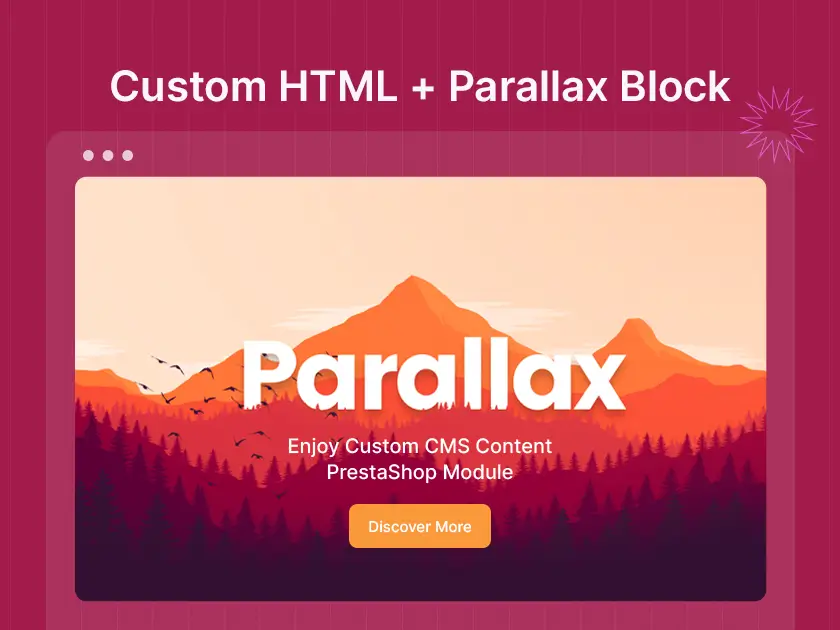
Transform your PrestaShop store with the Custom Content Parallax Block module, offering stunning parallax effects for a dynamic and engaging user experience. Effortlessly customize backgrounds, integrate captivating visuals, and enhance CMS pages with immersive scrolling features. This powerful tool elevates your site’s design, making it visually striking and user-friendly.

Custom Content Parallax Block – PrestaShop Modules
Elevate your PrestaShop site with effortless parallax effects using the Custom Content Parallax Block module. This dynamic module enhances user experience and sets your store apart, giving your website a unique and immersive feel.
Overview of the Custom Content Parallax Block
The Custom Content Parallax Block module for PrestaShop allows you to effortlessly add eye-catching parallax effects to your website’s CMS content. By integrating captivating visual elements, this module ensures that your store stands out from the competition while offering a more dynamic and engaging user experience.
Key Features of the Custom Content Parallax Block
- Effortless Parallax Effect Integration: Simply select a CMS block and configure the parallax settings within the module’s user-friendly interface. This enables you to add engaging effects without the need for complex coding.
- Background Image or Video Support: Showcase stunning visuals or captivating videos behind your CMS content to create a truly immersive experience for your visitors.
- Multiple Parallax Layers (For Some Modules): Add depth and dimension to your parallax sections by incorporating multiple layers that move at different speeds as visitors scroll. (Availability depends on the specific module you choose.)
- Full Customization: Control the parallax effect’s speed, direction, and fade-out on the scroll to achieve the perfect visual impact that aligns with your store’s design. (Customization options may vary depending on the module.)
- Easy Configuration: The module’s intuitive interface makes it easy to set up and manage your parallax sections, even for users with limited technical experience.
Installation Process of the Custom Content Parallax Block
Step 1: Module Installation
- Log in to your PrestaShop store’s admin panel.
- Navigate to the “Modules” section and click on “Module Catalog.”
- Locate the Custom Content Parallax Block module and click on the “Install” button.
Step 2: Module Configuration
- Once the module is installed, navigate to the “Modules” section again and click on “Module Manager.”
- Locate the Custom Content Parallax Block module in the list and click on the “Configure” button.
- The configuration page will allow you to set various options for the module, such as choosing the parallax effect style, speed, and direction. You may also define multiple parallax layers (depending on the specific module).
Step 3: Adding Parallax Block to CMS Page
- Navigate to the CMS page where you want to add the parallax effect.
- Edit the CMS content and look for the option to insert a module (this might be labelled as “Insert Module” or something similar).
- Select the Custom Content Parallax Block module from the list of available modules and configure its settings within the CMS page editor.
Why Choose the Custom Content Parallax Block for Your Store?
The Custom Content Parallax Block module is an invaluable tool for PrestaShop store owners who want to elevate their website’s visual appeal and user experience. With its ease of use and impressive features, this module can help you transform your store into a dynamic and engaging platform that drives conversions.
By utilizing the Custom Content Parallax Block, you can significantly enhance the visual storytelling of your store and captivate your visitors in a way that is both functional and aesthetically pleasing. This tool not only improves your site’s appearance but also makes it more engaging, leading to higher user retention and interaction.
With the Custom Content Parallax Block, your PrestaShop store will truly stand out, offering a sleek, modern experience that encourages visitors to explore more. Whether you are adding simple background effects or creating immersive scrolling experiences, this module provides all the tools you need for a perfect, visually striking website.
Installation
- For easy to install theme we have included theme-installer and step-by-step detailed documentation (in English)
- Still, it is not done perfectly; please feel free to contact the support team at support.templatetrip.com.
- All images are copyrighted to their respective owners. Images used in live preview are not usable without their respective owners permission.
Support System
- Our technical experts are continuously online to help you to make your store dream store.
- All of your requests and issues will be processed by our experts within 24-48 hours max.


Reviews
There are no reviews yet.