
$
$
Product successfully added to your shopping cart.
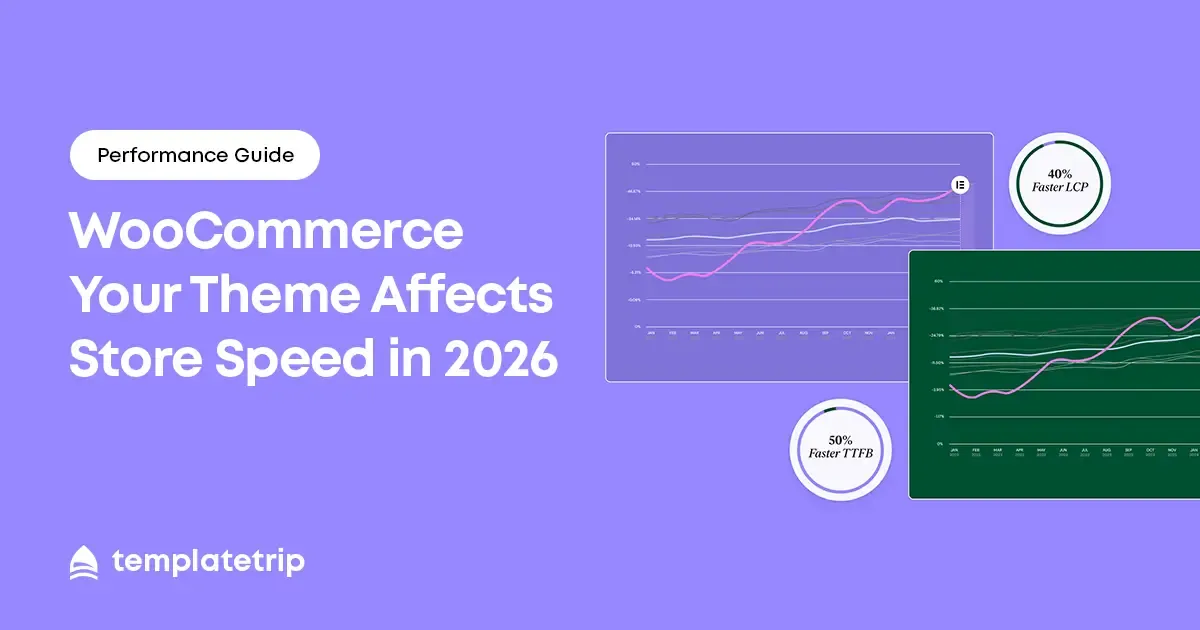
WooCommerce store speed is not a technical detail — it is a commercial priority. Studies consistently show that a one-second delay in page load time reduces conversions by 7% on average. For a store generating $10,000 per month, that is $700 per month in lost revenue per second of delay. Your theme choice is the single biggest factor in your store's baseline performance.
WooCommerce adds substantial JavaScript and CSS to every page of your store to handle cart management, product interactions, checkout functionality, and payment processing. This base load — before your theme adds its own code — means WooCommerce stores start from a heavier baseline than simple WordPress sites. A theme that is efficient for a basic WordPress blog may be unacceptably slow when WooCommerce's code is added on top.
The most impactful performance factor in most WooCommerce themes is how CSS and JavaScript are loaded. A poorly optimised theme loads all its CSS and JavaScript files on every page — including files only needed for the homepage or checkout. This 'load everything everywhere' approach is the most common cause of slow WooCommerce stores.
A well-optimised theme loads only the code required for the current page. This selective loading approach can reduce total page weight by 30–60% without removing any functionality.
Product images are WooCommerce's biggest performance variable. A theme that loads large, unoptimised images — or that creates multiple image size variations without proper lazy loading — will consistently produce slow product and collection pages. Look for themes that explicitly support lazy loading for off-screen images, modern image formats (WebP), and responsive image sizing.
WooCommerce stores typically run 10–30 plugins. Each plugin potentially adds CSS and JavaScript that must load alongside the theme's own assets. A theme with a large, complex code base creates more opportunities for plugin conflicts and script collisions. Lightweight theme codebases are more resilient to the performance impact of plugin additions.
Before purchasing any WooCommerce theme, test the live demo through Google PageSpeed Insights. Run the analysis on the mobile tab specifically — not desktop, which is more forgiving.
| Score Range | Interpretation | Action |
|---|---|---|
| 90–100 | Excellent performance | Proceed with confidence |
| 70–89 | Good — minor optimisation possible | Acceptable for most stores |
| 50–69 | Moderate — notable issues present | Investigate diagnostics before buying |
| Below 50 | Poor performance | Avoid or accept significant optimisation work |
Even a well-performing theme can be further optimised after installation. The highest-impact actions are: install a caching plugin (WP Rocket, W3 Total Cache, or LiteSpeed Cache); use an image optimisation plugin to compress uploaded product images (ShortPixel, Imagify, or Smush); enable a CDN for static asset delivery (Cloudflare's free tier provides significant performance improvement); and defer render-blocking scripts where your theme does not do so natively.
These optimisations, applied on top of a well-coded premium theme, consistently produce WooCommerce stores with mobile PageSpeed scores above 70 and desktop scores above 85.
woocommerce theme performance 2026, woocommerce store speed theme, fast woocommerce theme, woocommerce core web vitals theme choice