
$
$
Product successfully added to your shopping cart.
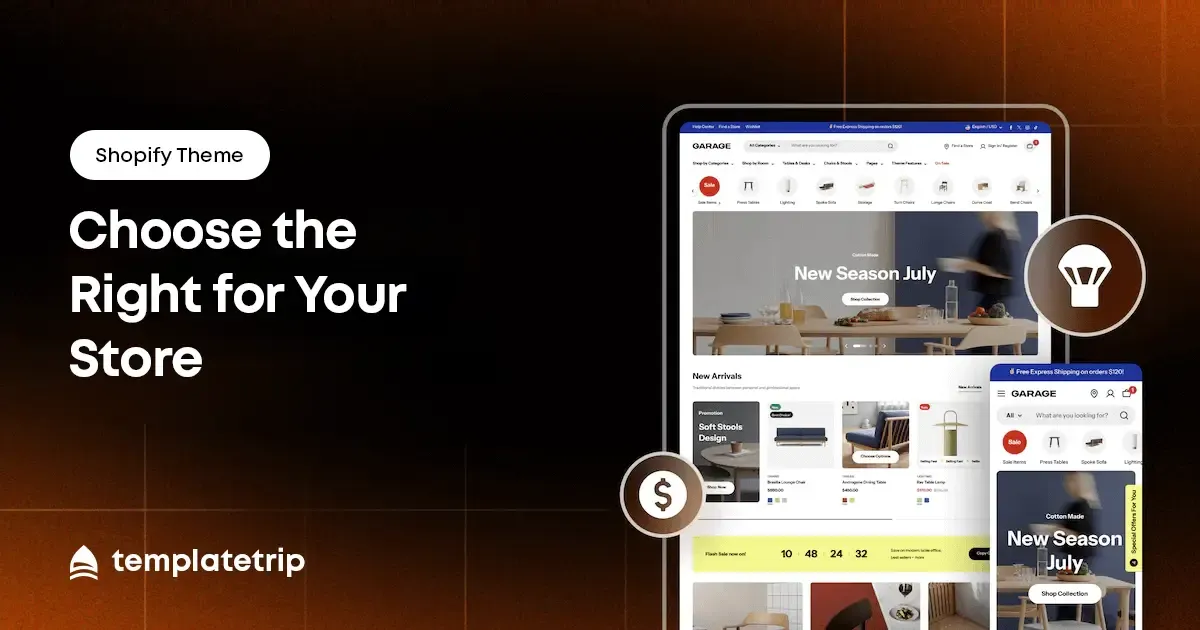
The average Shopify store owner replaces their theme once every 18–24 months. The reasons are almost always the same: the first theme was chosen for aesthetic reasons without enough consideration of functionality, niche fit, or long-term flexibility. This guide gives you the framework to choose correctly the first time.
A Shopify theme purchase is not a one-time cost. When you choose a theme and build your store around it — configuring products, writing content, setting up navigation, customising layouts — you are investing 10–40 hours of work into that theme's structure. Replacing a poorly chosen theme does not just cost the price of a new theme. It costs the time of rebuilding everything you configured in the old one.
This is why the selection process deserves more time than most store owners give it. Thirty minutes browsing demos and buying the one that looks most attractive is how stores end up rebuilt six months later. The right approach is methodical: define your requirements first, then evaluate themes against them.
Before looking at a single theme, write down your store's specific functional requirements — the non-negotiable features your store needs to operate effectively.
The live demo is the most honest representation of what a theme actually delivers. Most store owners evaluate demos on desktop only, which produces an incomplete picture. Open the demo on your phone first. Navigate through the homepage, a collection page, a product page, and the cart. This is how a significant portion of your customers will experience your store.
On mobile, check that: the navigation menu is accessible and clear; product images load quickly; the add-to-cart action and variant selectors are easy to use; and the checkout initiation is prominently accessible.
A theme built specifically for your store's niche will outperform a generic multi-purpose theme at the same quality level because it makes fewer compromises. A fashion Shopify theme has a lookbook section, refined typography choices, and collection page layouts optimised for clothing browsing. When browsing TemplateTrip's Shopify catalog, use the niche category filters — fashion, electronics, health and beauty, home and garden, food and restaurant, jewelry, kids and toys, and more.
Before purchasing, verify three technical requirements: Shopify version compatibility, app compatibility, and update history. Shopify 2.0 themes — which use the newer section and metafield architecture — are the current standard and provide significantly more flexibility for customisation without code. Verify that the theme is Shopify 2.0 native if you are building on a current Shopify plan.
Check the theme's update history. A theme last updated 18 months ago may have compatibility issues with current Shopify features. An actively maintained theme with regular updates is a better long-term investment, even at a slightly higher price.
Five-star reviews tell you what the theme does well. Three-star and two-star reviews tell you what it does not. Before purchasing, filter reviews by the lower ratings and read them carefully. Look for patterns: if multiple buyers mention the same issue, treat that as a reliable signal, not an outlier.
how to choose shopify theme, best shopify theme for my store, shopify theme buying guide 2026, shopify theme selection checklist