
$
$
Product successfully added to your shopping cart.

Showing 1 - 3 of 3 results
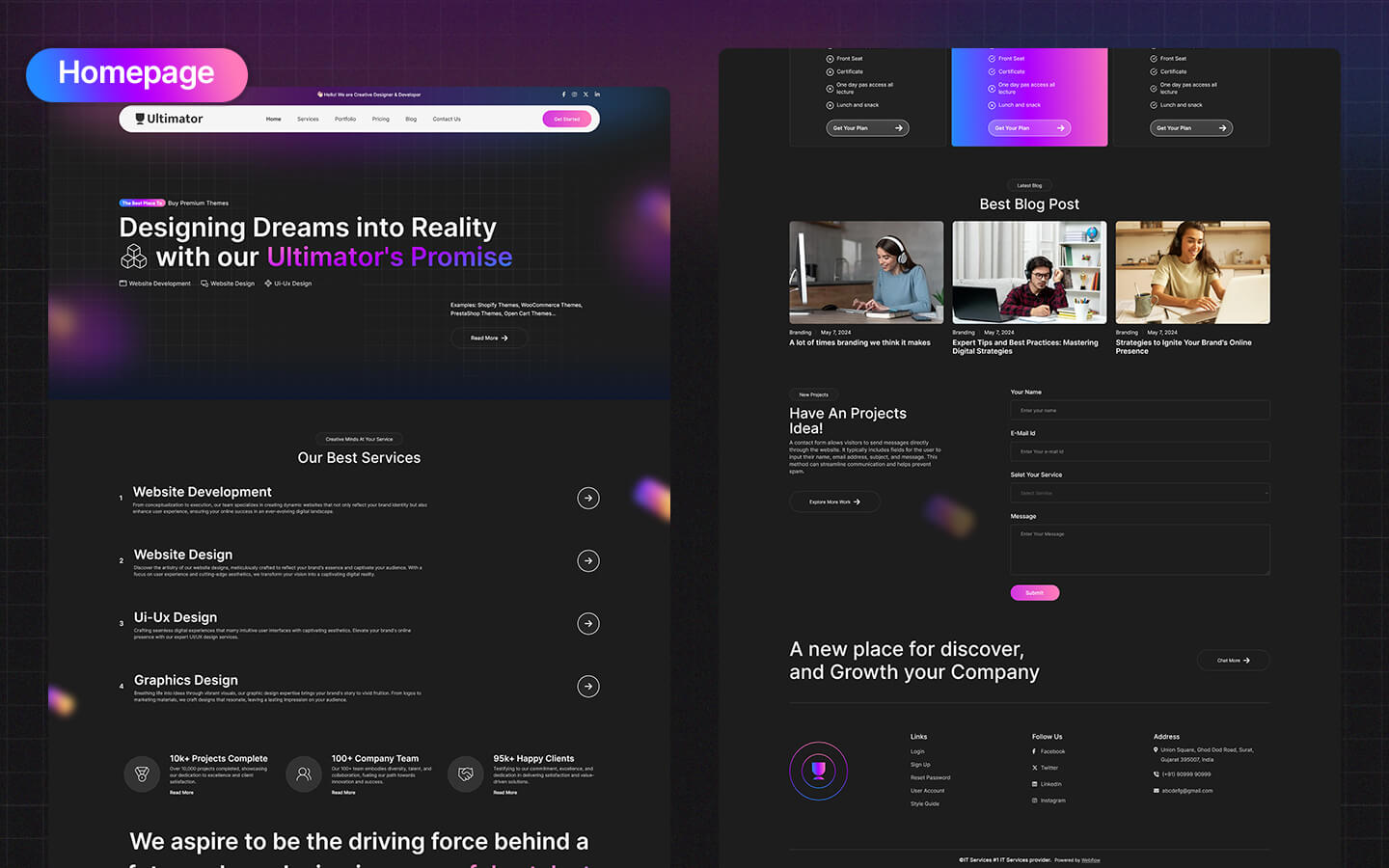
A Webflow UI kit is not just a collection of pretty components- it is a complete design system built inside Webflow's native environment. Every button, card, form, navigation bar, hero section, and footer exists as a working Webflow component with real interactions, responsive behaviour, and clean HTML output. When you purchase a Webflow UI kit, you are getting a production-ready building system that can be copied into any Webflow project and adapted without starting from a blank canvas.
Webflow's Symbols and Components system makes UI kits uniquely valuable compared to Figma kits or static design files. Changes made to a Symbol update everywhere it's used- so redesigning a button style or updating a navigation component propagates across an entire project instantly. For agencies and designers building multiple Webflow sites, a well-structured UI kit is the foundation that makes every new project faster.
Native Webflow Symbols and Components- every element in a quality Webflow UI kit is built as a Symbol or Component, enabling site-wide consistency with single-point updates. Modify the primary button once and it updates across every page
CSS variables (custom properties) for design tokens- the best Webflow UI kits are built around a CSS variable system for colours, typography scale, spacing, and border-radius. Rebranding an entire kit to a new brand's colour palette becomes a single variable change rather than a find-and-replace exercise
Responsive behaviour built in- every component in a well-built Webflow UI kit has been designed and tested across breakpoints- desktop, tablet, landscape mobile, and portrait mobile. The responsive work is done- you apply it, not rebuild it
Interaction-ready components- buttons with hover states, cards with hover effects, accordions, modals, tabs, and dropdowns all built with Webflow Interactions already configured. Animation behaviour is part of the kit, not a separate implementation task
Clean semantic HTML output- Webflow generates real HTML and CSS from its visual editor. UI kits built with semantic structure (proper heading hierarchy, accessible form labels, meaningful CSS class naming) produce code quality that reflects well on the sites built from them
Full design systems- comprehensive component libraries covering every UI element needed to build a complete website from navigation to footer
SaaS and product UI kits- component sets optimised for software product landing pages, pricing tables, feature breakdowns, and onboarding flows
eCommerce UI kits- product card systems, cart and checkout components, and category page layouts
Dashboard and admin UI kits- interface component sets for web application dashboards and data visualisation
Landing page component kits- modular section collections for quickly assembling high-converting landing pages
Webflow agencies use UI kits to speed up client project delivery- a well-chosen kit reduces the from-scratch component building that consumes the first days of any new site project. Freelance Webflow designers use them to maintain design consistency across their client portfolio. In-house marketing teams use them to build new landing pages and microsites that stay on-brand without designer involvement.
The best Webflow UI kits come with a style guide- a reference page showing every component in all states, with documentation on how CSS variables connect to the design tokens, making onboarding a new team member to the design system fast and reliable.
Every UI Kit in the TemplateTrip Webflow marketplace has been reviewed for component completeness, code quality, responsiveness, and documentation standards. Each includes a live demo. Filter by kit type- design system, SaaS, eCommerce, dashboard- to find the right foundation for your Webflow projects.
10,000+
Premium Templates
500+
Verified Sellers
50,000+
Happy Customers
Since 2013
Trusted Marketplace